
Save Workspace (under the File menu) allows keeping the exact analyzer state so you can get back to it later or easily share it with others:
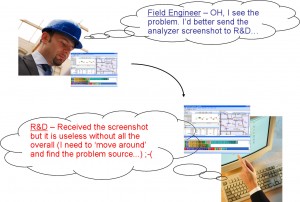
Workspace files hold the time-bookmarks, message and device notes, messages with their order and expand collapse state in Message View, used Open Source Rules and more:
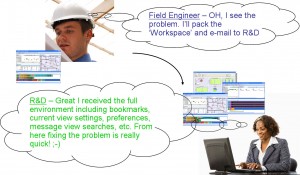
Note that Workspace files (.wrk) do not contain the actual captured data nor the used Open Source Rule/s, floor plan or device files that may be in use.
You can use the ‘Pack Workspace’ option to pack all related files (i.e. capture file (.anl), devices file (.anv), floor-plan graphic file if used, workspace settings file, etc. into a compressed file (.zip) that gets prepared and ready to be e-mailed out to your colleagues.